Understanding Battery Capacity and Watt-Hours
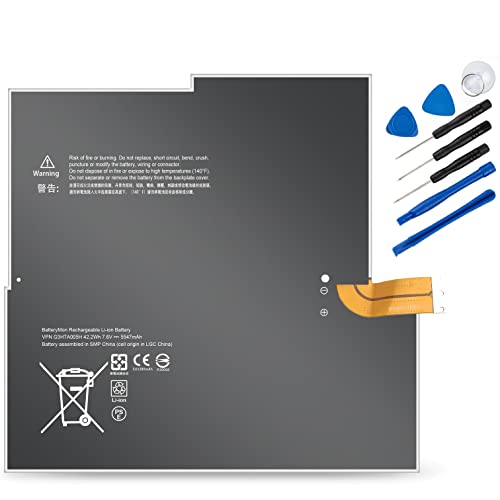
The most critical specification to look for is the capacity, typically measured in milliampere-hours (mAh) or Watt-hours (Wh). While many users focus solely on the mAh rating, Watt-hours provide a more accurate picture of the actual energy stored, as they account for the voltage of the battery. If you are looking for maximum runtime, aim for a battery with a Wh rating that is equal to or slightly higher than your original factory battery. However, be cautious of 'extended life' batteries that claim massive capacities. If the physical dimensions are identical to the original, they may be using lower-quality cells to inflate the numbers.
Cell Chemistry and Longevity
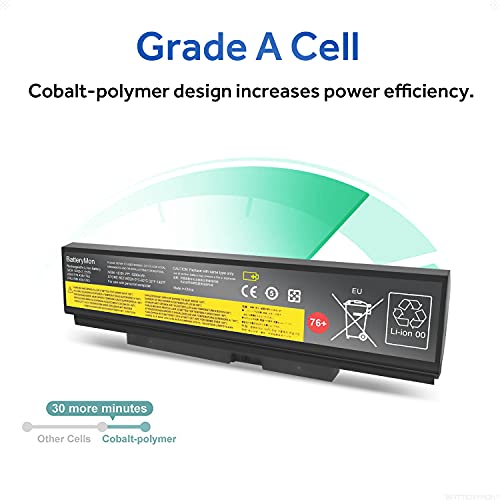
Almost all modern laptop batteries utilize Lithium-ion (Li-ion) or Lithium-polymer (Li-Po) technology. Li-ion cells are the industry standard due to their high energy density and stability. When shopping, look for descriptions that specify high-grade cells. The quality of these internal cells determines the 'cycle life' of your battery—the number of times it can be charged and discharged before its capacity significantly degrades. A premium replacement battery should offer a consistent discharge rate, meaning it won't show 'phantom' percentage drops where the laptop suddenly jumps from 30% to 5%.
Voltage Matching and Compatibility
Voltage is non-negotiable. Unlike capacity, which can vary slightly, the voltage must match your laptop's requirements exactly. If your original battery operates at 11.1V, purchasing a 14.8V replacement could cause catastrophic hardware failure. Always verify the voltage rating listed on your existing battery or in your device's technical manual. While some manufacturers create 'universal' fitment, the safest route is to find a battery specifically engineered for your laptop's chassis to ensure the connectors align perfectly and the thermal management sensors function correctly.
Safety Certifications and Build Quality
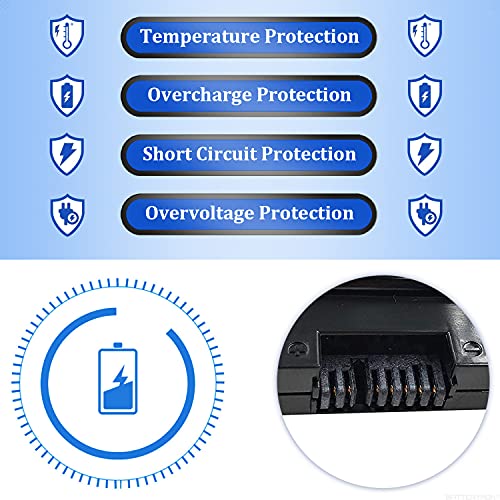
A battery is essentially a chemical reactor sitting inches away from your processor and motherboard. Never compromise on safety. Look for products that mention compliance with international safety standards such as UL (Underwriters Laboratories), CE, or RoHS. These certifications ensure the battery has undergone rigorous testing for overcharging protection, short-circuit prevention, and thermal stability. Furthermore, check if the battery includes an integrated Battery Management System (BMS). A good BMS regulates the flow of electricity, preventing the cells from overheating or swelling, which is a common cause of trackpad failure and chassis warping in older laptops.
The Importance of Warranty and Support
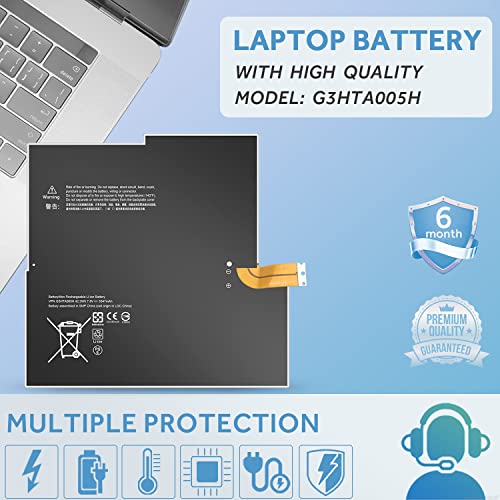
Because batteries are consumable items that naturally degrade over time, a robust warranty is a key indicator of manufacturer confidence. A standard replacement battery should offer at least a 6 to 12-month warranty. Avoid sellers that offer no recourse for defective units. A reliable brand will have a clear policy for replacing batteries that fail to hold a charge within the first few months of use, providing peace of mind that your investment is protected against manufacturing defects.