Verify Connector Compatibility and Physical Fit
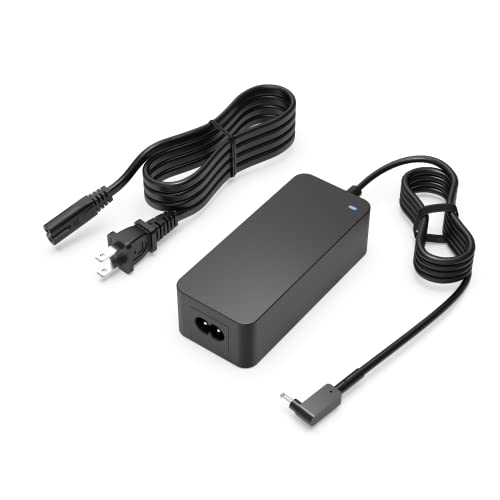
The most fundamental step in selecting a laptop adapter is ensuring the physical connection is an exact match for your device's charging port. Unlike universal peripherals, laptop power inputs are highly specialized. You must distinguish between barrel-style connectors, which vary significantly in outer diameter (OD) and inner diameter (ID), and modern USB-C standards. If you are opting for a barrel connector, even a millimeter of difference will prevent a secure connection or, worse, damage the pins. If your laptop supports USB-C Power Delivery (PD), you have more flexibility, but you must still ensure the adapter can negotiate the correct voltage profile required by your specific laptop's motherboard.
Prioritize Wattage and Voltage Requirements
A common mistake is assuming that any charger that fits the port will work. Power is measured in Watts (W), which is the product of Voltage (V) and Amperage (A). Your laptop has a specific power requirement—usually printed on the bottom of the chassis or the original power brick. If you select an adapter with lower wattage than your laptop requires, the device may charge extremely slowly, fail to charge while in use, or the adapter itself may overheat as it struggles to meet the demand. Conversely, while using a higher-wattage charger is generally safe (as the device will only draw what it needs), using an adapter with the wrong voltage can be catastrophic. Always match the voltage exactly and ensure the amperage is equal to or higher than the original specification.
Consider GaN Technology and Portability
Modern power adapters have evolved significantly thanks to Gallium Nitride (GaN) technology. Traditional silicon-based chargers tend to become bulky and generate significant heat. GaN-based adapters are much more efficient, allowing for a smaller footprint and much cooler operation. If you are a frequent traveler or a student moving between lecture halls, investing in a GaN-based adapter will save significant space in your laptop bag. These chargers are not only smaller but also more reliable because they manage thermal output more effectively, reducing the risk of internal component degradation.
Safety Certifications and Build Quality
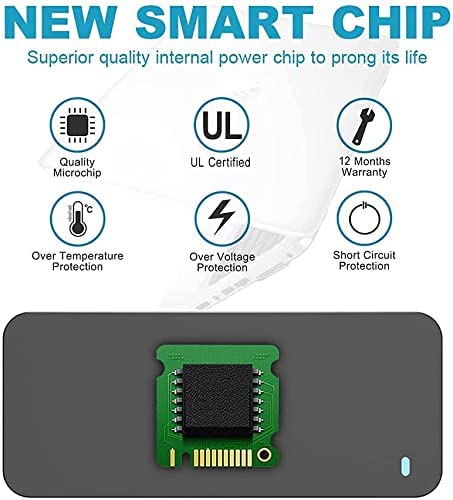
Because a laptop charger sits between a high-voltage wall outlet and your expensive computing hardware, safety is non-negotiable. Look for adapters that adhere to recognized international safety standards. High-quality adapters feature built-in protections against over-voltage, over-current, and short-circuiting. When inspecting the build quality, check the thickness of the cable. A thin, flimsy cable is a sign of poor internal shielding and is prone to fraying at the stress points where the cord meets the brick. A robust, heavy-duty cable ensures that the adapter can withstand the daily rigors of being plugged and unplugged repeatedly.
Recommendation Logic
When making your final decision, follow this hierarchy: First, confirm the electrical specs (Voltage/Wattage) match your device. Second, select the connector type (USB-C vs. Barrel). Third, choose GaN technology if portability is a priority. Finally, prioritize brands that emphasize thermal management and safety certifications to ensure long-term battery health.