Material Quality and Durability
The most critical factor when choosing a laptop decal is the substrate material. You should prioritize high-quality vinyl over standard paper stickers. Vinyl is flexible, water-resistant, and significantly more durable against the friction caused by sliding your laptop in and out of a sleeve or backpack. Look for 'premium vinyl' or 'die-cut vinyl' descriptions. Die-cut decals are particularly desirable because they are cut to the exact shape of the design, meaning there is no transparent or white rectangular background surrounding the art. This allows the design to integrate seamlessly with the color of your laptop, making it look like a custom skin rather than a sticker slapped on top.
Surface Finish: Matte vs. Glossy
The finish of your decal dictates how it interacts with light and how it feels to the touch. A glossy finish makes colors pop and provides a vibrant, high-contrast look that is perfect for complex, colorful illustrations. However, glossy surfaces are prone to showing fingerprints and micro-scratches over time. On the other hand, a matte finish offers a sophisticated, understated aesthetic. Matte decals are excellent for minimalist designs and are much more resistant to glare, which is a significant advantage if you frequently work in brightly lit environments or near windows. When choosing, consider the existing texture of your laptop. A matte decal on a brushed metal laptop often looks more cohesive than a high-gloss sticker.
Adhesive Technology and Residue Management
One of the biggest fears of any laptop owner is the 'sticky residue nightmare.' When shopping, look for decals that specify the use of 'air-release technology' or 'bubble-free application.' This indicates that the adhesive is engineered to allow air to escape during application, preventing unsightly bumps. More importantly, ensure the product uses a repositionable or low-tack permanent adhesive. High-end decals are designed to be removed cleanly without stripping the finish of your laptop or leaving behind a gummy layer that requires harsh chemicals to clean. If a design is intended to be a permanent 'skin' that covers the entire lid, ensure it is rated for long-term adhesion. If it is a small accent decal, prioritize ease of removal.
Design Complexity and Scale
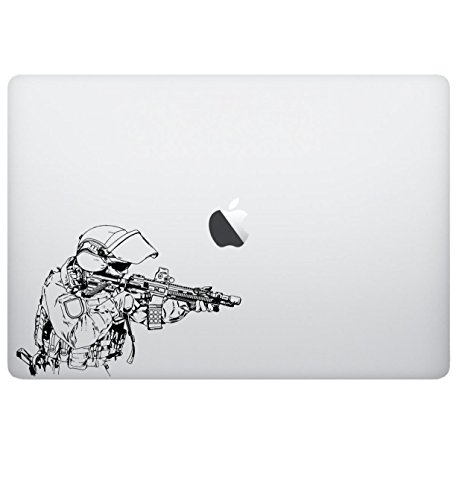
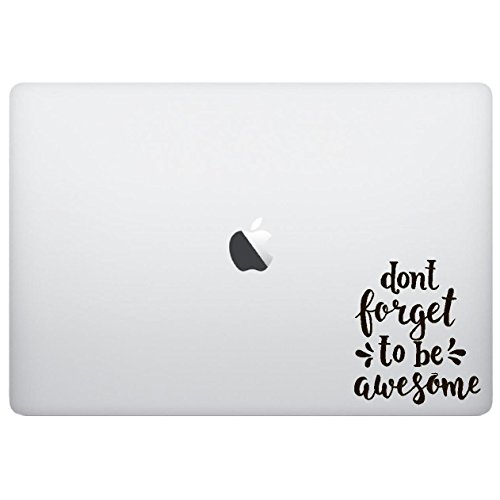
Before committing to a design, consider the scale of the decal relative to your laptop's surface area. An oversized, intricate design might look overwhelming on a compact 13-inch ultrabook, whereas a tiny decal might get lost on a massive 17-inch gaming rig. Think about the 'visual weight' of the design. Minimalist line art or geometric shapes work well for professional environments, while maximalist, heavy-color illustrations are better suited for personal use. Additionally, check the resolution of the artwork in the product previews. Because laptop lids are viewed at close range, any pixelation or blurring in the design will be immediately apparent and will detract from the 'epic' aesthetic you are aiming for.