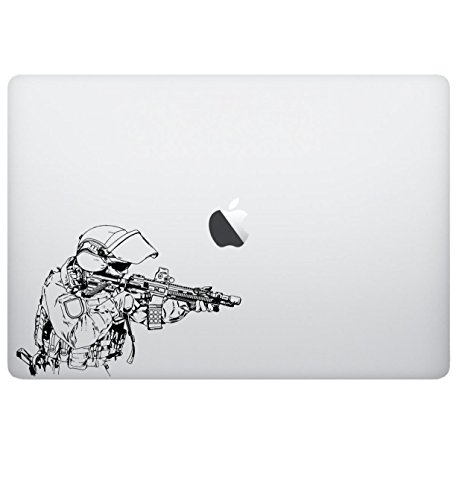
Material Composition and Texture
Not all decals are created equal. The first thing you must consider is the substrate material. High-quality skins typically utilize premium vinyl, which is much more durable than standard paper-based stickers. Look for 'bubble-free' or 'air-release' technology. This is a critical feature. It involves microscopic channels in the adhesive layer that allow air to escape during application, preventing those frustrating unsightly bubbles that plague cheap decals. Furthermore, consider the finish. A matte finish is excellent for minimizing glare and resisting fingerprints, making it ideal for professional environments. A gloss finish makes colors pop and provides a high-shine, premium look, but it can be a magnet for oils from your skin. Some advanced skins even offer textured finishes—such as faux leather, brushed metal, or carbon fiber—which add a tactile dimension to your laptop's feel.
Precision Fit and Cut Accuracy
A laptop skin is only as good as its alignment. A poorly cut decal can overlap with your trackpad, obscure your ports, or interfere with your cooling vents, which can lead to overheating issues. When shopping for epic designs, look for skins that are specifically engineered for your device's dimensions rather than 'universal' sheets that require you to trim the edges yourself. Precision-cut skins feature exact cutouts for logos, camera lenses, and ports. This ensures that the design remains the focal point without compromising the functionality of your hardware. If a design is intended to cover the entire lid, ensure the edges are slightly tapered to prevent peeling when you slide your laptop in and out of a sleeve.
Adhesive Quality and Residue Management
The most common fear when applying a skin is the potential for permanent damage. You want a product that uses high-grade, repositionable adhesive. This means that if you misalign the decal during the first attempt, you can carefully peel it back and reposition it without stretching the vinyl or leaving a sticky, gummy mess behind. Avoid skins that use permanent industrial adhesives, as these can be a nightmare to remove and may leave a residue that affects the resale value of your laptop. The gold standard is a 'clean-removal' adhesive that leaves the original chassis looking exactly as it did the day you unboxed it.
Design Longevity and Print Quality
Because laptops generate heat, the ink used in the printing process must be high-quality. Cheaply printed decals may suffer from fading, bleeding, or peeling at the edges due to the thermal cycles your device undergoes. Look for skins that utilize UV-resistant inks or laminated layers. A laminate layer acts as a protective shield, preventing the design from scratching off when placed in a backpack or being handled frequently. When evaluating a design, check if the image resolution is high enough to avoid pixelation, especially on larger lid covers where the detail will be highly visible.