Verify Model Compatibility and Mounting Patterns
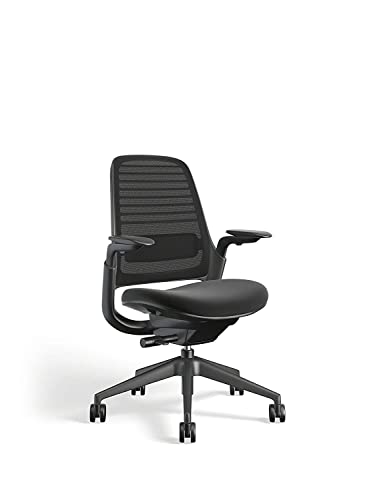
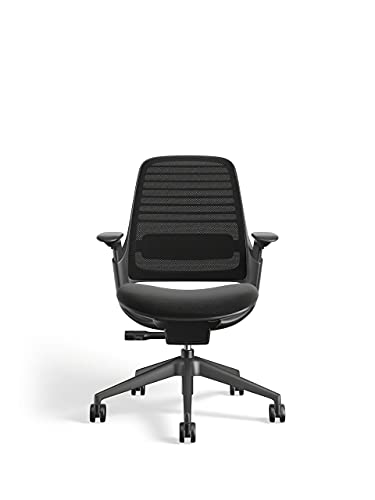
The most critical mistake users make when searching for Steelcase replacement arms is assuming universal fitment. Unlike consumer-grade chairs, Steelcase components are highly specific to the frame architecture of the chair series. An armrest designed for a high-performance task chair will not fit a lounge series or a budget-friendly guest chair. Before purchasing, you must identify the specific series your chair belongs to. Pay close attention to the mounting mechanism: some arms attach via a single large bolt through the underside of the seat pan, while others use a specialized bracket system that slides into a channel. If you are unsure of your model, examine the underside of the seat for any branding or look at the shape of the existing arm attachment point to match the geometry.
Understand Adjustment Degrees of Freedom
The primary reason to upgrade your arms is to increase their 'degrees of freedom.' Standard fixed arms offer zero customization, which often leads to shoulder tension or carpal tunnel issues. When browsing options, look for these specific adjustment types:
- Height Adjustability: This is the baseline requirement. You need to be able to align your elbows with your desk surface to prevent shrugging.
- Pivot and Width Adjustment: High-end arms allow you to move them inward toward your body or outward to accommodate different shoulder widths. This is vital for typing tasks where you want your elbows tucked close to your torso.
- Depth and Tilt: Premium options allow the arm pads to slide forward or backward and tilt inward (4D movement). This provides support for the forearms during intensive mouse work or tablet use.
Material Composition and Tactile Comfort
Armrest pads are subject to constant friction and pressure. Steelcase typically offers two main types of surfaces: soft-touch polyurethane and harder, more durable polymers. If you spend long hours at your desk, look for 'soft-touch' or padded options that distribute pressure more evenly across your forearms. Harder plastic arms are more durable and easier to sanitize, which may be preferable in shared office environments or medical settings, but they lack the ergonomic 'give' required for long-term comfort. Additionally, check the thickness of the padding. Thinner pads tend to bottom out over time, leading to discomfort against the hard internal structure of the arm.
Evaluating Durability and Installation Complexity
Since you are likely replacing existing components, consider the ease of the installation process. Most Steelcase arm upgrades are designed to be user-serviceable, requiring only a standard hex key or screwdriver. However, some high-performance 4D arms may require more substantial hardware. When selecting your arms, ensure that the kit includes all necessary mounting bolts and washers. Investing in high-quality, heavy-duty arm assemblies ensures that the adjustment mechanisms—the springs and tensioners that hold the arm in place—won't slip or sag under the weight of your arms after a few months of use.