Material Composition and Texture
The first thing to consider when selecting a skin is the physical feel of the material. Premium decals are typically made from high-grade vinyl, but not all vinyl is created equal. Some skins feature a matte finish, which is excellent for reducing glare under office lights and resisting fingerprint smudges. Others opt for a glossy finish that makes colors pop and gives the laptop a polished, ceramic-like appearance. Beyond the sheen, pay attention to texture. Some advanced skins offer a tactile, brushed, or even leather-like feel. This texture isn't just for aesthetics. It provides a better grip, making it slightly less likely that your device will slide off a smooth surface.
Precision Fit and Cut Accuracy
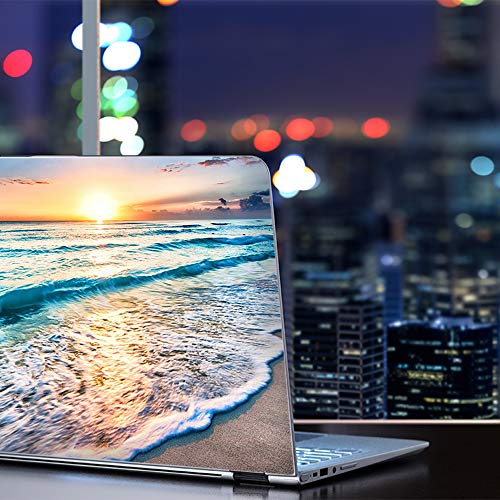
A laptop skin is only as good as its alignment. Because laptops feature various ports, vents, and sensor arrays, a generic 'one size fits most' approach often leads to frustration. When browsing collections, ensure the designs are specifically engineered for your device's exact dimensions. You want a skin that wraps cleanly around the edges without overlapping critical cooling vents or obstructing the webcam. High-quality decals should feature precision die-cuts that allow for easy access to all peripheral connections. If a skin is poorly cut, you may find yourself struggling to plug in a charging cable or accidentally covering a heat exhaust, which can lead to thermal throttling.
Adhesive Technology and Residue Management
The biggest fear for any laptop owner is the 'sticky mess' left behind after removing a decal. When evaluating skins, look for those that utilize air-release technology. This refers to microscopic channels in the adhesive that allow air to escape during application, preventing unsightly bubbles. Furthermore, the adhesive should be 'removable' rather than 'permanent.' A high-quality skin should grip the chassis firmly enough to resist peeling at the corners, yet leave zero gummy residue when it is time to upgrade or sell your device. Avoid skins that claim to be 'ultra-permanent,' as these are often intended for much harder surfaces and can damage the finish of your laptop during removal.
Visual Fidelity and Print Quality
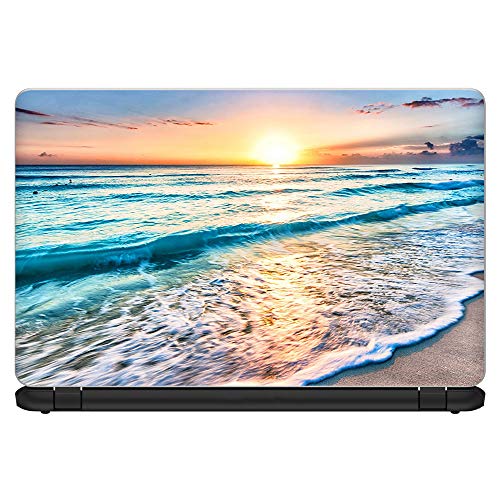
Since the primary purpose of a skin is aesthetic enhancement, the print quality is paramount. Look for descriptions that mention high-resolution printing or UV-resistant inks. UV resistance is particularly important if you frequently work near windows or outdoors, as it prevents the vibrant colors of your design from fading into a dull, washed-out mess over time. A premium skin should maintain its color depth and sharp lines even after months of daily handling. If the design features intricate patterns or photographic elements, ensure the manufacturer uses high-density ink to avoid pixelation or color bleeding.
Installation Ease and Maintenance
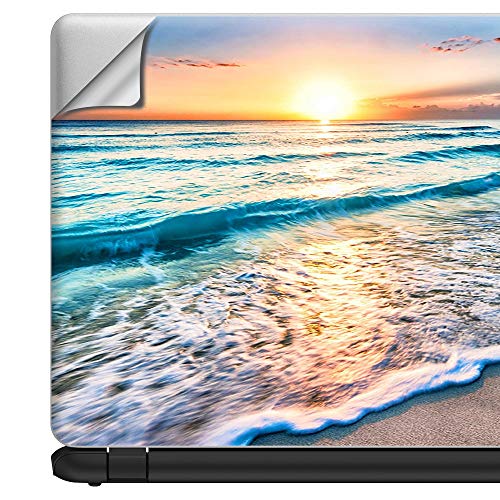
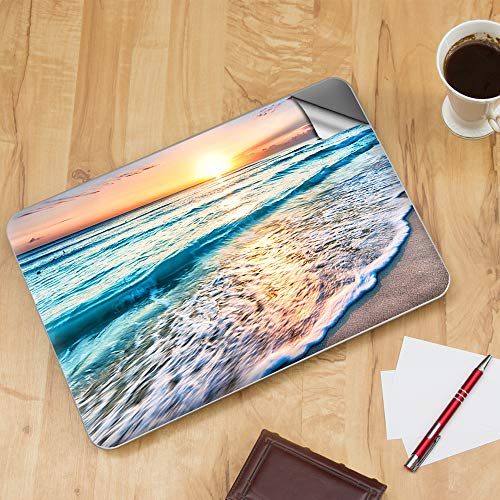
Finally, consider how much effort you are willing to put into the application process. Some skins are designed for a 'peel and stick' experience, while others may require a more methodical approach using a squeegee or a credit card to smooth out the edges. A good guide for a buyer is to look for skins that are forgiving during the initial placement. If a skin is too thick, it becomes difficult to manipulate. If it is too thin, it may tear during the application process. Once applied, consider how easy it is to clean. A high-quality vinyl skin should be wipeable with a damp cloth, allowing you to maintain a pristine look without damaging the artwork.