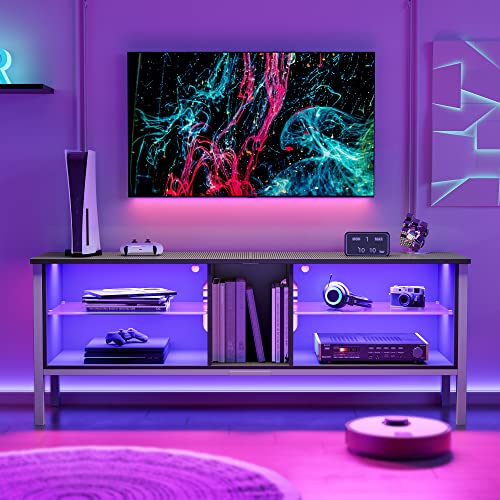
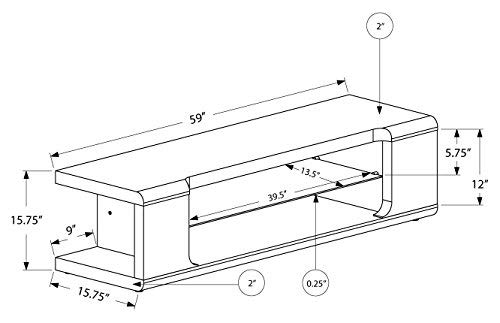
The most common mistake in media storage selection is focusing solely on the screen size. While a stand must be wide enough to prevent the edges of your television from overhanging, you must also account for the 'peripheral footprint.' Modern setups often include soundbars, gaming consoles, ambient LED lighting, and high-fidelity audio components. Before selecting a stand, map out the dimensions of your widest component—often the soundbar or the media player—to ensure it won't obstruct the view of the screen or prevent cabinet doors from closing. A stand that is too narrow for your soundbar will look unbalanced, while one that is too deep might push your screen too far forward in the room, disrupting your viewing angle.
Prioritize Ventilation and Thermal Management
Electronics generate significant heat, and trapping that heat inside a closed cabinet is a recipe for hardware failure. When browsing media stands, pay close attention to the design of the storage compartments. Open shelving is ideal for components that run hot, such as high-end gaming consoles or powerful AV receivers, as it allows for natural convection. If you prefer the sleek look of closed cabinetry, ensure the unit features mesh inserts, slatted doors, or rear cable management ports that allow air to circulate. A stand that lacks adequate airflow will force your devices to run their internal fans at maximum speed, increasing noise levels and shortening the lifespan of your expensive technology.
Weight Capacity and Structural Integrity
Modern televisions, particularly large-format models, are surprisingly heavy. Furthermore, many media stands are designed to hold both the screen and a collection of heavy media or audio equipment. You must verify the weight capacity of the top surface and the individual internal shelves. Look for stands constructed with solid wood or high-density engineered wood rather than thin particle board, which can sag over time under constant pressure. If you plan on stacking multiple components, ensure the vertical supports are robust enough to prevent any wobbling, which can be particularly dangerous for large screens.
Cable Management and Connectivity
A high-end media setup can quickly devolve into a 'cable jungle' if the stand doesn't facilitate organization. The best media stands include dedicated pathways, grommets, or recessed channels that allow you to route power cords and HDMI cables from the back of the devices to the wall outlet discreetly. This is not just about aesthetics. Organized cabling prevents accidental unplugging and makes it significantly easier to swap out devices or perform maintenance. Look for designs that provide easy access to the rear of the unit, allowing you to reach ports without having to slide the entire heavy stand away from the wall.
Style Integration and Material Choice
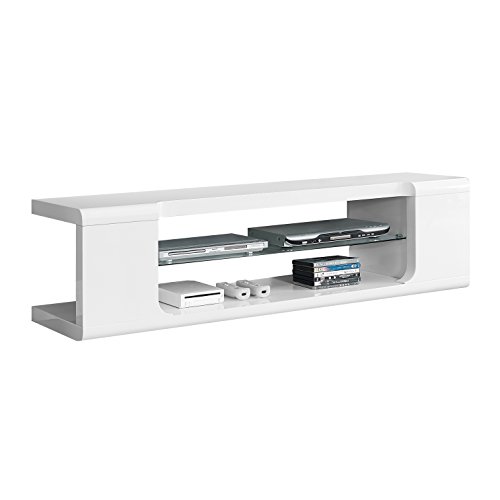
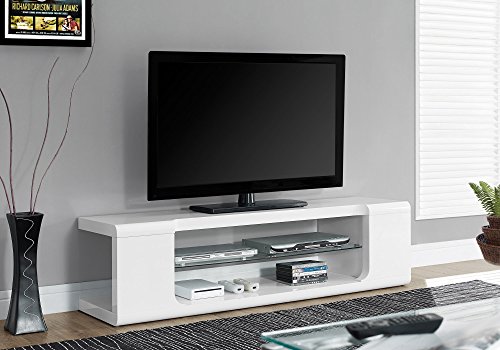
Finally, consider how the stand complements your room's existing decor. Media stands come in various finishes, from dark, sophisticated espresso tones that suit a formal cinema room to lighter, modern wood grains that fit a contemporary living space. Glass accents can add a sense of openness and luxury, but they require more frequent cleaning and can be prone to fingerprints. If you have children or pets, opting for solid wood or textured finishes may be more practical than high-gloss or glass surfaces, as they are more forgiving of daily wear and tear.