Understanding Brightness: Lumens vs. ANSI Lumens
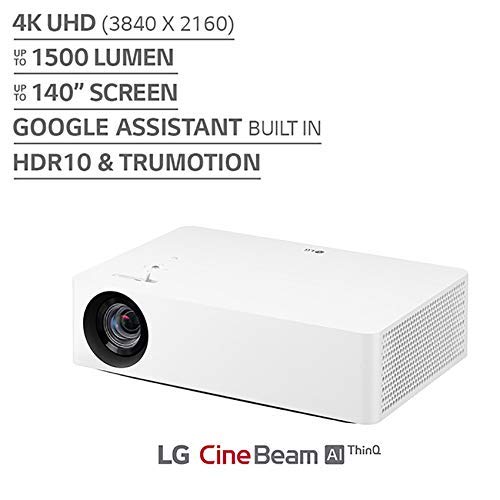
The most common mistake consumers make when browsing projectors is trusting the 'Lumens' rating without context. Many budget-friendly manufacturers list 'Marketing Lumens' or 'Lux,' which can be highly inflated and do not reflect actual light output. For a reliable measurement, always look for ANSI Lumens. This is the industry standard that measures how much light actually hits the screen. If you plan to use your projector in a room with some ambient light (like a living room during the day), you will need a higher ANSI lumen count. For a dedicated dark room, a lower rating is acceptable, but for versatility, aim for a unit that can punch through moderate light levels.
Resolution and Sharpness: The Detail Factor
Resolution determines how crisp your image appears. You will see three main tiers: Standard Definition (480p), High Definition (720p), and Full High Definition (1080p). For modern streaming services and gaming, 1080p is the baseline requirement for a satisfying experience. Be wary of products that claim to be '1080p Supported'—this often means the device can accept a 1080p signal but will actually project in a much lower, grainier resolution. Always verify the Native Resolution. A native 1080p projector will provide the sharp edges and clear text necessary for subtitles and detailed gaming environments.
Contrast Ratio and Color Accuracy
Contrast ratio is the difference between the brightest white and the darkest black the projector can produce. A higher contrast ratio means deeper blacks and more vibrant colors, preventing the image from looking 'washed out' or grey in dark scenes. While high-end projectors boast astronomical ratios, in the generic category, you should look for models that emphasize color gamut coverage. If you are a cinephile, look for projectors that mention support for HDR (High Dynamic Range), which helps expand the range of brightness and color detail in supported content.
Connectivity and Smart Features
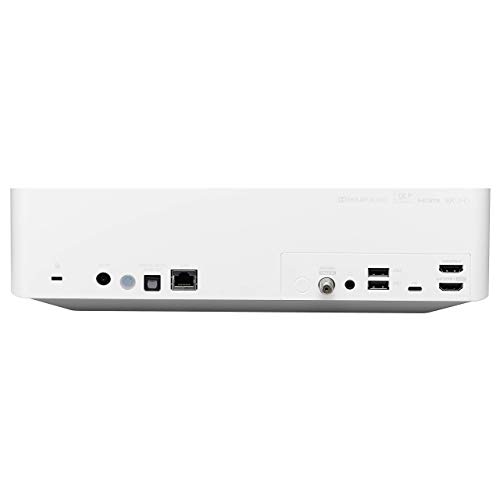
Modern projectors are no longer just passive displays. They are becoming smart hubs. Decide whether you want a 'dumb' projector that requires an external device (like a laptop, gaming console, or streaming stick) or a 'smart' projector with built-in operating systems. Built-in Wi-Fi and Bluetooth are essential for wireless casting and connecting external speakers. If the projector lacks a built-in OS, ensure it has a versatile array of ports, specifically HDMI for consoles and USB for media playback. A high-quality HDMI port is non-negotiable for minimizing input lag during gaming.
Throw Ratio and Setup Flexibility
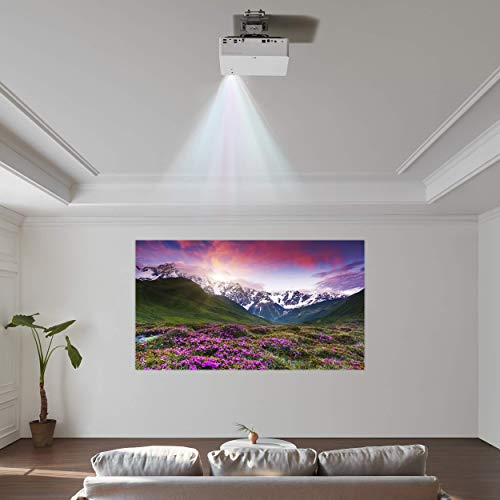
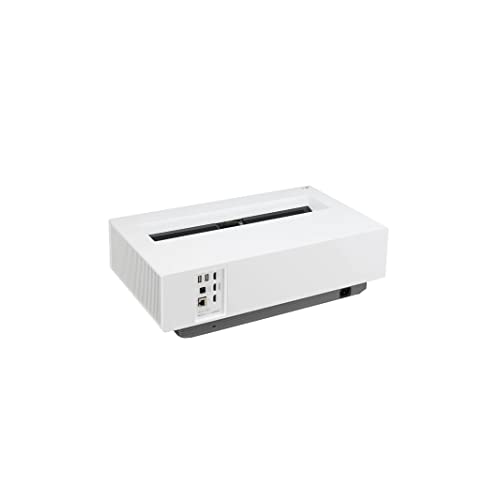
The 'throw ratio' determines how much distance you need between the projector and the wall to achieve a specific screen size. If you have a small bedroom, you need a 'short throw' projector that can create a large image from just a few feet away. Conversely, if you are projecting in a large backyard or a spacious basement, a standard throw ratio is fine. Additionally, consider the presence of 'Keystone Correction' and 'Auto-Focus.' These features allow you to square the image even if the projector isn't perfectly centered with the screen, saving you from a frustrating, distorted setup process.